
The Plesk panel is the technical console for your hosting — it's where you create email accounts, connect domains, change the PHP version, and manage your site's files. It's a different thing from the DoSieci.pl Client Panel, which handles orders, invoices, and payments.
How do you get into the Plesk panel?
- Log into the DoSieci.pl Client Panel.
- From the menu, select Usługi → Moje usługi (Services → My Services).
- Click the name of the hosting service you want to configure.
- Click the Panel zarządzania button (Management Panel) (or Zaloguj do Plesk / Log In to Plesk, depending on the screen).
- A new tab will open with the Plesk panel, already logged into your subscription.
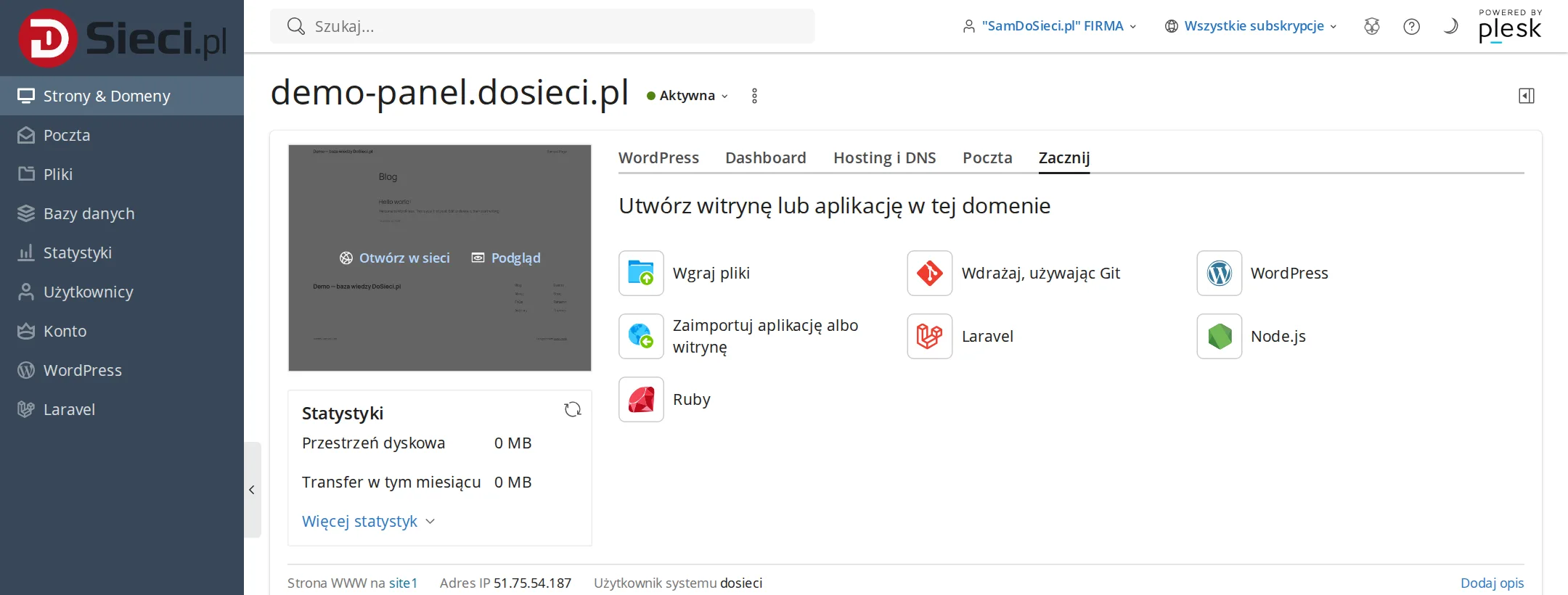
You don't need to remember a separate Plesk password — logging in through the Client Panel takes care of that for you. A direct Plesk login address (say, from a saved bookmark) also works, but then it requires separate login credentials for Plesk itself.
Plesk as your hosting management hub
Once you're logged into Plesk, you can handle the most important parts of your site: files, domains, subdomains, databases, email accounts, PHP versions, SSL certificates, and backups. It's a technical panel — payments and orders stay in the Client Panel.
If you use WordPress, you'll find the WordPress Toolkit in Plesk for installing, updating, cloning, and doing basic security hardening on your site.